Seamless streaming. Unrivalled quality.
Lemo IPTV streams live TV, sports, films and full series over your internet connection — in HD and 4K, on every device you already own, from $24.99.



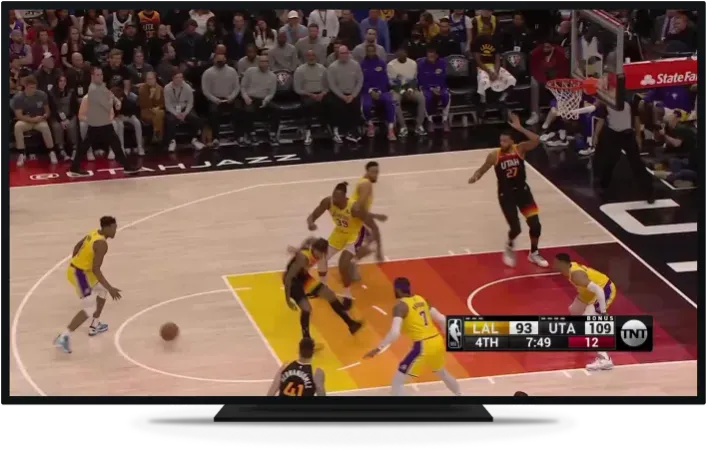
Reliable IPTV servers, running around the clock
An IPTV service that is straightforward to set up and works on every device you already own.
Never miss a match
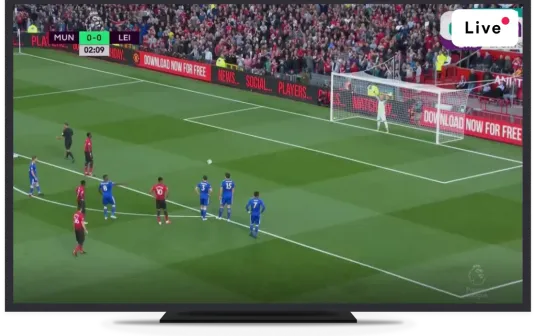
Live sport from the major North American and European competitions, plus combat sports and motorsport. Coverage of any given fixture depends on the source feeds available at the time, so ask us about a specific competition rather than assuming from a category name.
- Major North American and European leagues
- Combat sports and motorsport
- Pay-per-view events where the source provides them

A full on-demand library
Recent and older films plus complete series box sets, browsable by genre inside your player app. The library sits alongside the live channels rather than being a separate subscription.
- Films and full series box sets
- Browsable by genre in your player app
- Included on every plan, no higher tier needed








The moments everyone is watching
Major live broadcasts and one-off events, carried where the source feeds allow. As with sport, we will tell you honestly in advance whether a particular event is likely to be available rather than promising it blind.
- Major live broadcasts as they air
- Same lineup on every plan
- Ask us about a specific event before you buy


Channels from around the world
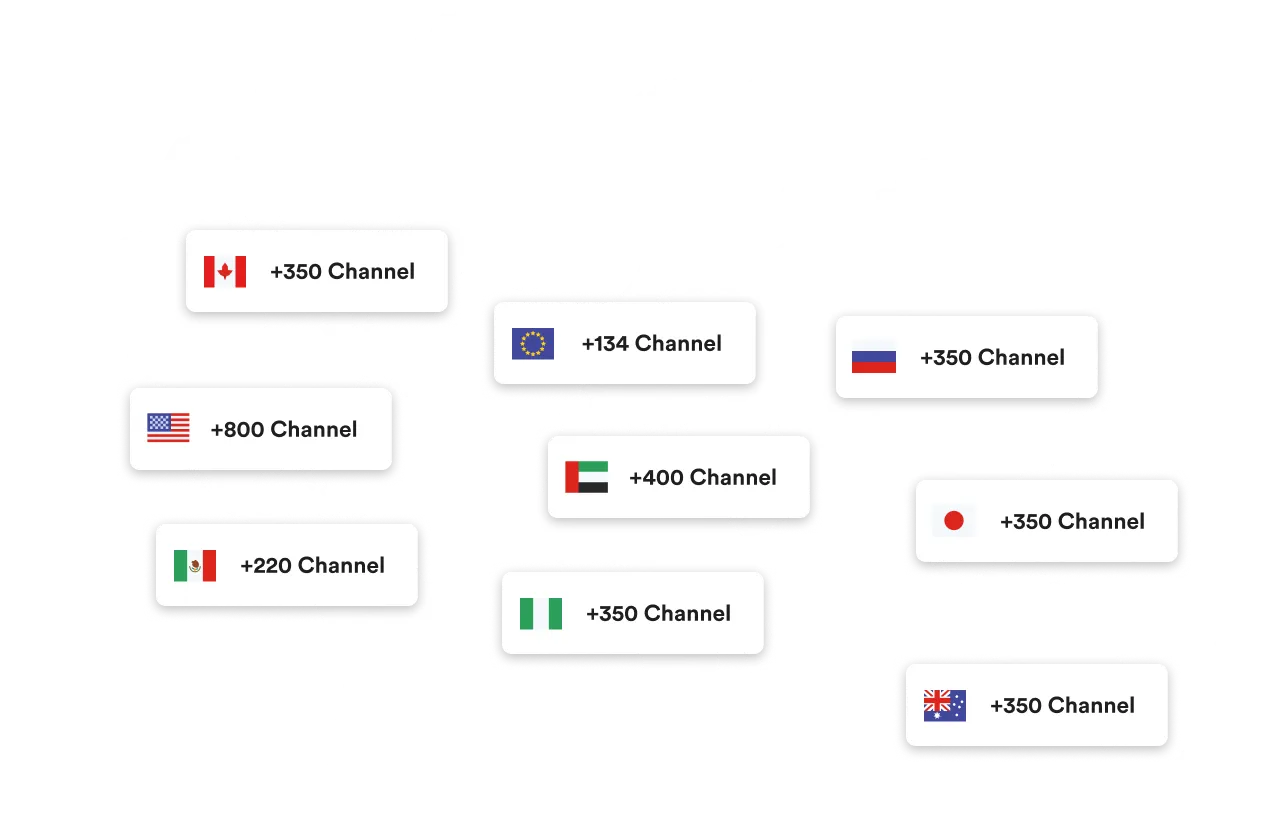
US, Canadian, UK and international channels, organised by category so you can find what you actually watch. If a specific channel matters to you, ask us before you subscribe and we will tell you honestly whether it is carried.
See the channel lineupStraightforward IPTV pricing
Choose the term that fits, on a single connection. Three months is the shortest term we sell — there is no rolling monthly plan. See full pricing for two and three connections.
- Live channels from the US, Canada, UK and worldwide
- Movies and series on demand
- Works on smart TVs, Firestick, Android, iOS and desktop
- HD and 4K streams where the source provides them
What is Lemo TV and how does Lemo IPTV work?
IPTV delivers television over an ordinary internet connection instead of a satellite dish or a cable line. Lemo IPTV is an IPTV service: you subscribe, we send you a server address, a username and a password, and you enter those into a player app on your device. The channel list and programme guide load, and you watch.
That is the whole mechanism. There is no hardware to install and nothing to wire in. The same credentials work on a television in the living room, a phone on the train and a laptop in a hotel, up to the number of simultaneous connections your plan includes. The technology itself is a recognised broadcast standard — the ITU-T has standardised IPTV as a delivery method, and it is the same underlying approach the mainstream streaming services use.
What do you get with a Lemo IPTV plan?
Every plan includes the full lineup and every feature below. The only difference between tiers is how many devices can stream at the same time and how long the subscription runs.
Live TV, sports and news
Channels from the US, Canada, the UK and further afield, including the major sports leagues and rolling news networks.
Every device you own
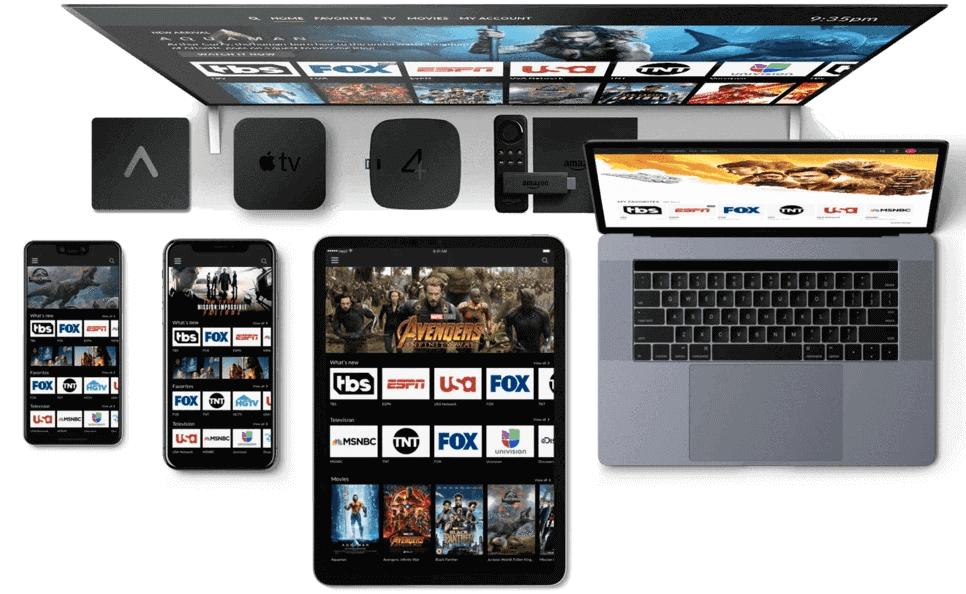
Smart TVs, Firestick, Android, Apple TV, iPhone, iPad, Windows and Mac. One subscription, used on whichever screen you are near.
Set up in minutes
No dish, no engineer visit, no cable box. Enter your credentials into a player app once and it remembers you.
Full programme guide
An EPG showing what is on now and what is next, loaded automatically by most player apps alongside your channel list.
International channels
Programming in Arabic, Spanish, Portuguese, Hindi, Urdu, Turkish, Polish and more, carried alongside the English lineup.
Support from real people
Message us on WhatsApp or Telegram and a person answers. No ticket queue, no chatbot loop, at any hour.
What channels does Lemo IPTV include?
The lineup spans live sports, US and Canadian networks, UK channels, international programming and a large on-demand film and series library. We publish categories rather than a channel count — see the full channel lineup for the detail.
Sports
Major North American and European leagues, plus combat sports and motorsport. Pay-per-view events are carried where the source provides them.
US networks
The national broadcast networks and the main cable entertainment channels, with regional feeds where available.
Canada
Canadian national and regional broadcasters, carried alongside the US lineup rather than as a separate add-on.
United Kingdom & Ireland
UK terrestrial and satellite channels, including sports and news, for viewers who want British programming abroad.
International
Channels from across Europe, Latin America, the Middle East, South Asia and Africa, useful if you want programming in your first language.
News
Rolling international and national news channels, including business and regional outlets.
Kids & family
Children’s cartoon and family entertainment channels, plus a large on-demand animated library.
Movies & series on demand
A video-on-demand library covering recent and classic films and full series box sets, browsable by genre inside your player app.
Which devices does Lemo TV work on?
Any device that runs a standard IPTV player app, which covers almost everything with a screen. There is no proprietary box to buy and nothing that only works with one brand of television.
- Amazon Firestick, Fire TV Stick 4K and Fire TV Cube
- Samsung and LG smart TVs
- Android phones, tablets and TV boxes, including Nvidia Shield
- Apple TV, iPhone and iPad
- Windows PCs and Macs
- Google TV and Android TV devices
Installing the app is the only device-specific part, and it takes a few minutes. The setup guide has the exact steps for each one, and the app and APK page explains which player to use where.
How do I get started?
Choose a plan and message us
Pick the number of connections and the term you want, then message us on WhatsApp or Telegram. We confirm the details and the payment options available in your country before anything is charged.
Receive your login credentials
Once payment clears we activate the account by hand and send your server address, username and password, usually within minutes during working hours.
Install an IPTV player app
Install a standard IPTV player on your TV, Firestick, phone or computer. Our setup guide covers the specific steps for each device.
Enter your details and start watching
Type your credentials into the app once. The channel list and programme guide load automatically, and the app remembers you next time.
Setup, login and troubleshooting
Most people arrive here with a specific question. These pages answer the four most common ones directly.
Lemo TV app & APK
Which player app to install on each device, how APKs work, and what to avoid downloading.
App and APK guide →Setup guide
Step-by-step installation for Firestick, smart TVs, Android, Apple devices and computers.
Setup instructions →Login help
Where to sign in, what credentials you need, and how to fix the errors that block access.
Login troubleshooting →Service status
Is Lemo TV down, or is the problem local? Work through it in the right order.
Check status →Frequently asked questions
The questions we are asked most often. The full FAQ covers payments, refunds, connection limits and international use.
What is Lemo IPTV?
Lemo IPTV is an IPTV service that streams live television, sports, movies and series over your internet connection instead of a cable or satellite line. After you subscribe you receive login credentials, enter them into an IPTV player app on your device, and the channel list loads. There is no dish, no cable box and no installation visit.
Is Lemo IPTV the same as Lemo TV?
No. Lemo IPTV is an independent provider and is not affiliated with, endorsed by, or operated by any other service using the Lemo name. If you are looking for an existing Lemo TV account, we cannot access it or reset its credentials — only the provider you originally bought from can do that.
Which devices does Lemo IPTV work on?
Any device that can run a standard IPTV player app. That covers Amazon Firestick and Fire TV, Android phones, tablets and TV boxes, Samsung and LG smart TVs, Apple TV, iPhone and iPad, Windows PCs, Macs and Nvidia Shield. You use the same credentials on each one, up to the number of connections on your plan.
How much does a Lemo IPTV subscription cost?
Plans start at $24.99 for three months on a single connection. Six months is $34.99 and twelve months is $49.99 on one connection, with higher tiers for two, three or four simultaneous connections. Three months is the shortest term we sell — there is no rolling monthly plan.
How fast does my internet need to be?
A stable 25 Mbps connection comfortably handles a 4K stream, and HD channels need considerably less. Stability matters more than headline speed: a steady 30 Mbps connection outperforms a faster one that fluctuates. Wired Ethernet is more reliable than Wi-Fi for a main TV.
Do I need a VPN to use Lemo IPTV?
A VPN is not required for the service to work, and many customers never use one. Some people prefer one for general privacy reasons. If you do use a VPN and streams become slow or stop loading, try disconnecting it first — an overloaded VPN server is one of the most common causes of buffering.
How quickly is my account activated?
Activation is manual and usually completed within minutes of payment during working hours. You will receive your credentials and setup instructions on the same channel you contacted us through, whether that was WhatsApp, Telegram or email.
What happens if a stream stops working?
Message us on WhatsApp or Telegram and we will check whether the problem is on our side or your device. Most issues turn out to be a local network problem, an app cache that needs clearing, or a connection limit that has been reached. Our status and troubleshooting page walks through the checks in order.
Ready to start watching?
Message us and tell us which device you want to use. We will confirm the plan, activate your account and walk you through the setup if you want a hand with it.