
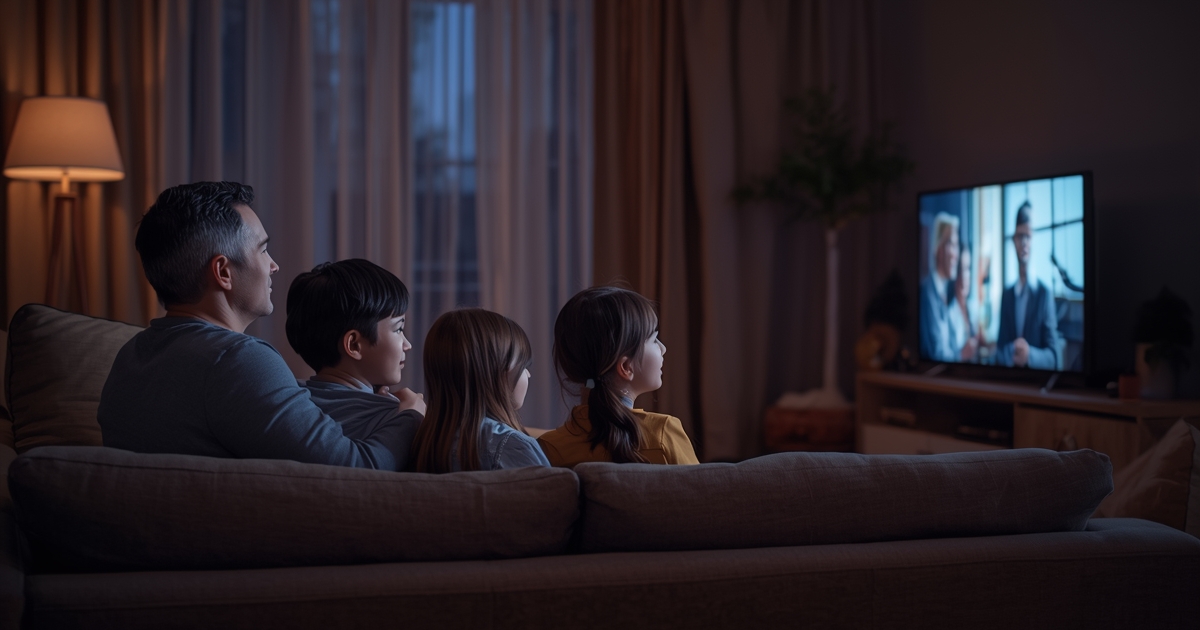
Managing IPTV Profiles for the Whole Family
Separate profiles turn one shared IPTV subscription into something that actually fits everyone in the house.
Practical guides written by the same people who answer support messages — covering the problems we actually get asked about.
Start with the basics or jump straight to a fix. Each guide links to the related ones where they genuinely help.
Separate profiles turn one shared IPTV subscription into something that actually fits everyone in the house.

Support quality is one of the hardest things to judge before subscribing, but a few quick checks reveal a lot.
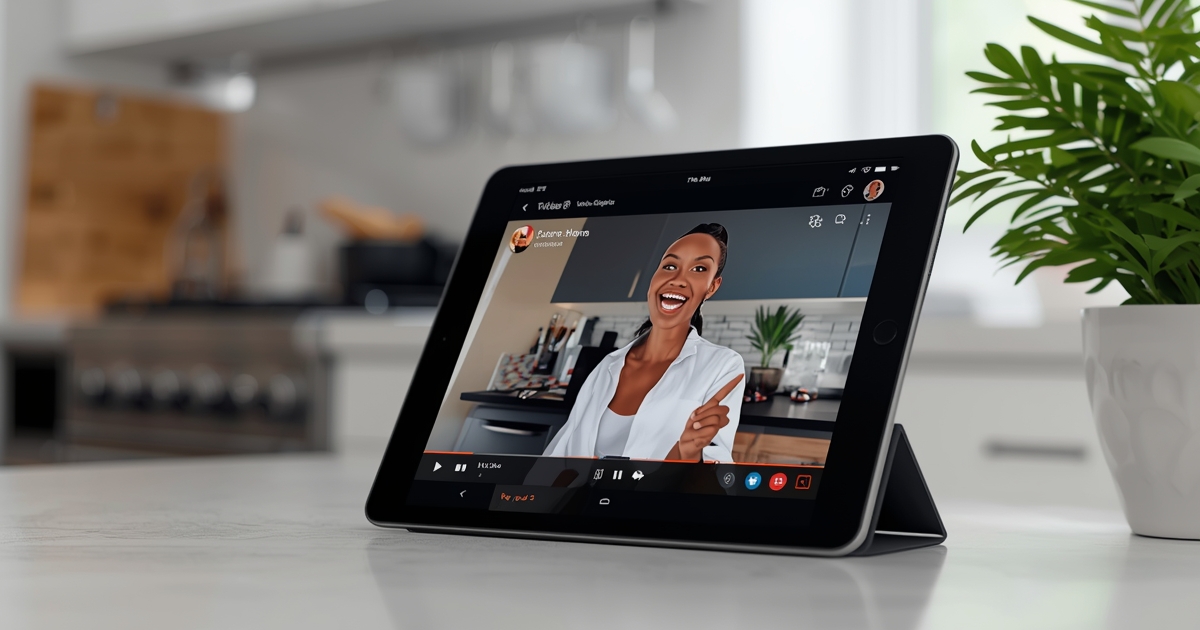
A tablet or laptop is a perfectly capable second screen for IPTV, with a few trade-offs worth knowing about.

A backup server link is one of the most underused tools an IPTV subscriber has when the primary connection is having a rough night.
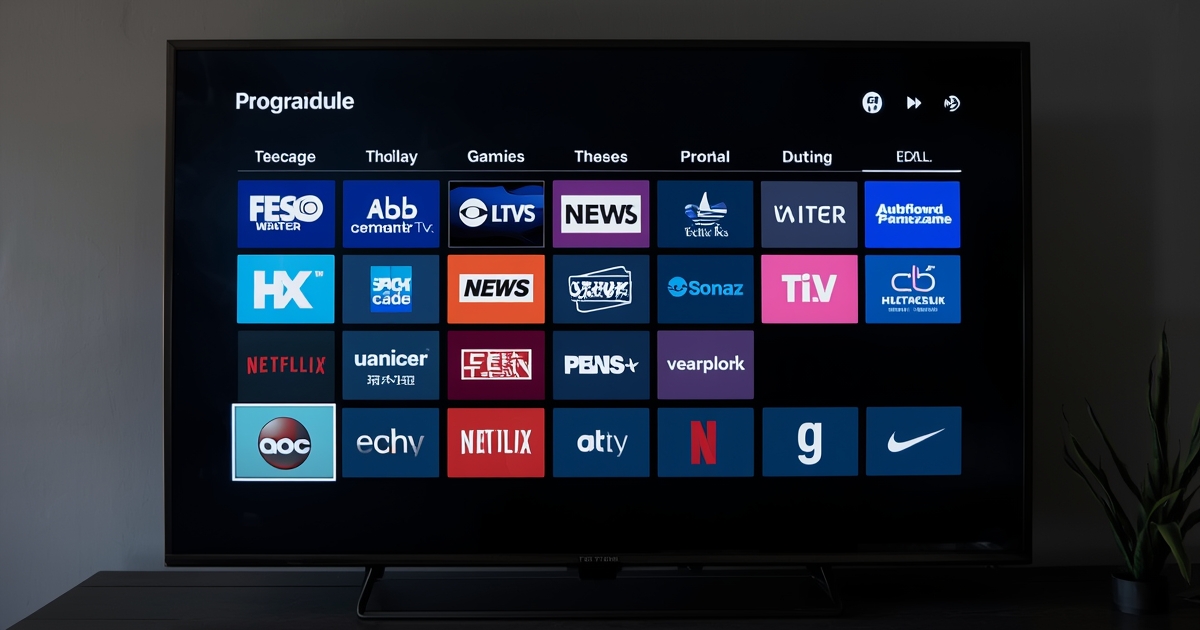
Most people only use the program guide to see what's on right now, but it can do quite a bit more than that.
IPTV can work well on the road, but guest networks and portable setups come with a few quirks worth knowing before you travel.
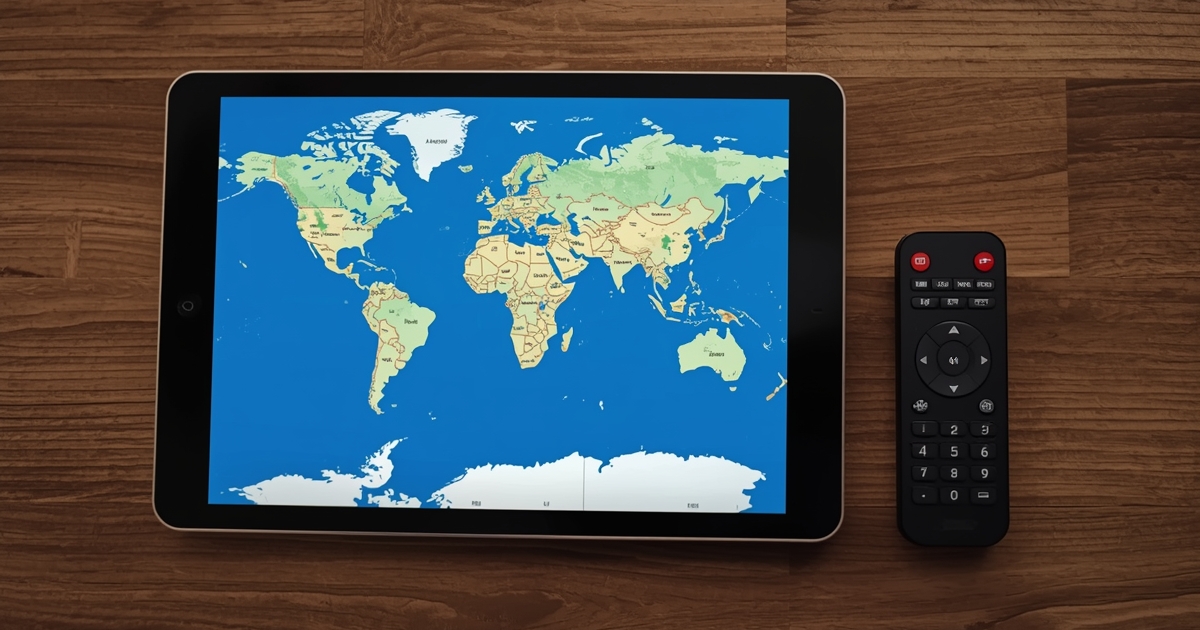
International channels on IPTV work a little differently than domestic ones, mainly because of where the broadcast originates.
Switching providers goes smoothly when you overlap the two subscriptions briefly instead of cancelling one before testing the other.
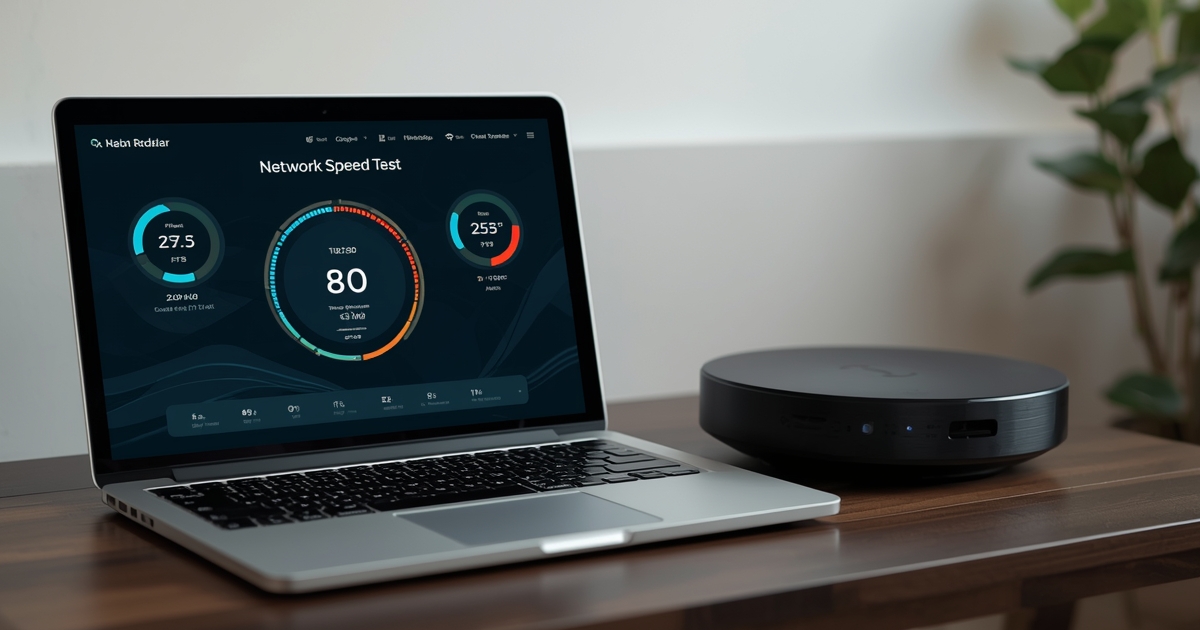
Most IPTV bandwidth complaints trace back to one of a few specific numbers — here is what those numbers actually are.
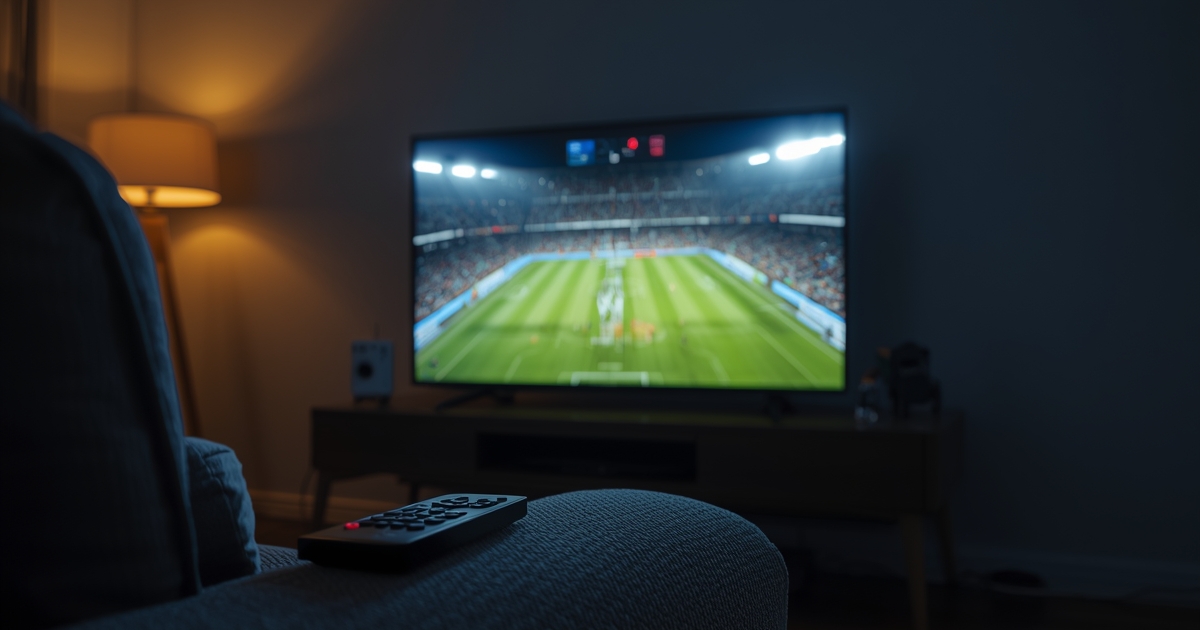
Marquee live events draw more concurrent viewers than almost anything else on IPTV, so a little preparation goes a long way.
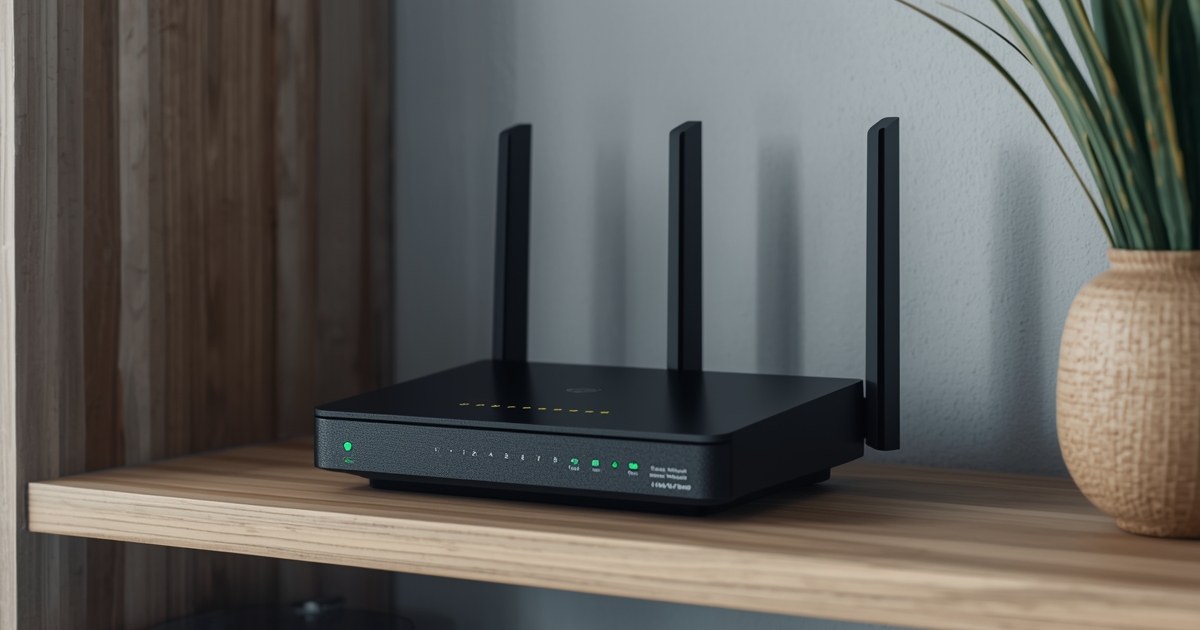
Most router settings make no difference to IPTV, but a handful genuinely do — here's which ones are worth your time.

A black screen usually points to one of three specific causes, and audio behavior is the fastest way to tell which one you have.
An app that keeps crashing is usually a storage, cache or update problem, not a sign your subscription has stopped working.

Audio drift has a handful of real causes, and most of them are fixed on the device or TV rather than the subscription.

Soccer's year-round, multi-competition calendar makes international channel coverage matter more than for almost any other sport.

The NBA's dense schedule means your setup gets tested more often than most sports, just in smaller, more frequent doses.

An NFL Sunday is the single heaviest load an IPTV setup sees all year, so it is worth preparing for rather than discovering problems live.
The VOD library is a real part of an IPTV subscription, but it behaves differently from the live channels and is worth understanding on its own terms.
A projector changes a few practical details of an IPTV setup, but none of them are hard to get right once you know what to look for.

IPTV still works abroad, but the weakest link usually becomes the local network rather than the subscription itself.

A large household needs a connections plan as much as it needs a good channel list.

Parental controls on IPTV live in the player app, not the subscription itself, so the right app setting matters more than the plan you buy.
Streaming apps are built around libraries, IPTV is built around live channels, and most households end up wanting both rather than choosing one.
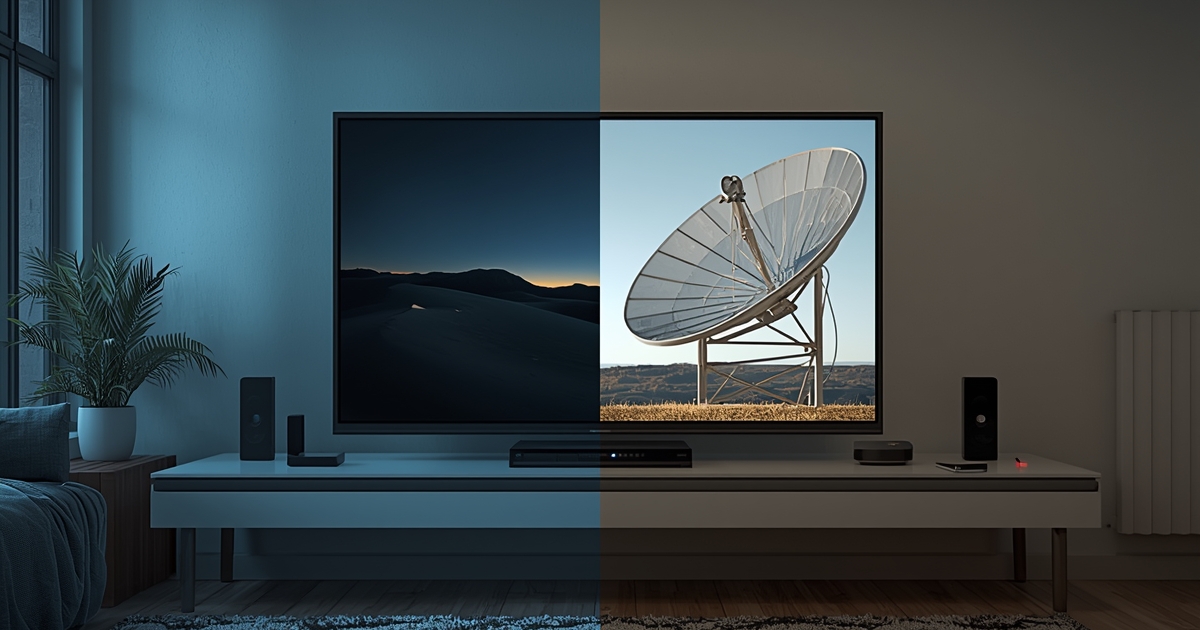
The honest answer is that IPTV trades a dish or a box for a dependency on your internet connection, and most households come out ahead on that trade.

How a provider handles payment tells you almost as much about them as the service itself.

Renewal and cancellation on IPTV work differently from app-store subscriptions, and assuming otherwise is how people lose access unexpectedly.
A free trial is short, so testing the right things in the right order matters more than testing everything.

The right plan length depends on how confident you already are, not on chasing the biggest discount.

Consoles were never built for IPTV, and the workarounds that exist are worth knowing about even though a streaming box beats all of them.

A picture that drops in quality mid-stream is usually your connection adapting on purpose, not a fault — here's how to tell the difference.

Catch-up and VOD sit in the same app but behave differently, and knowing which one you're using explains most of the confusion around missing content.
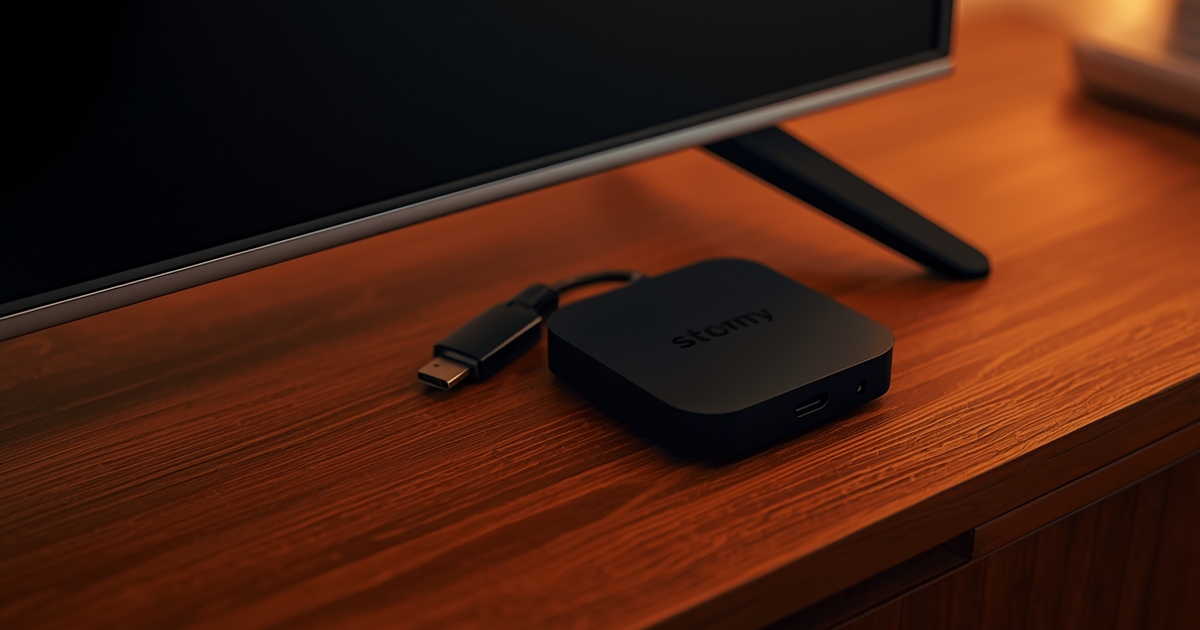
The Firestick wins on consistency, an Android box wins on flexibility, and the right choice depends on which of those you value more.

Watching on more than one screen at once is a connections question, not a separate feature to buy.
Static and dynamic links describe how your credentials point at a server, not how reliable the service is.
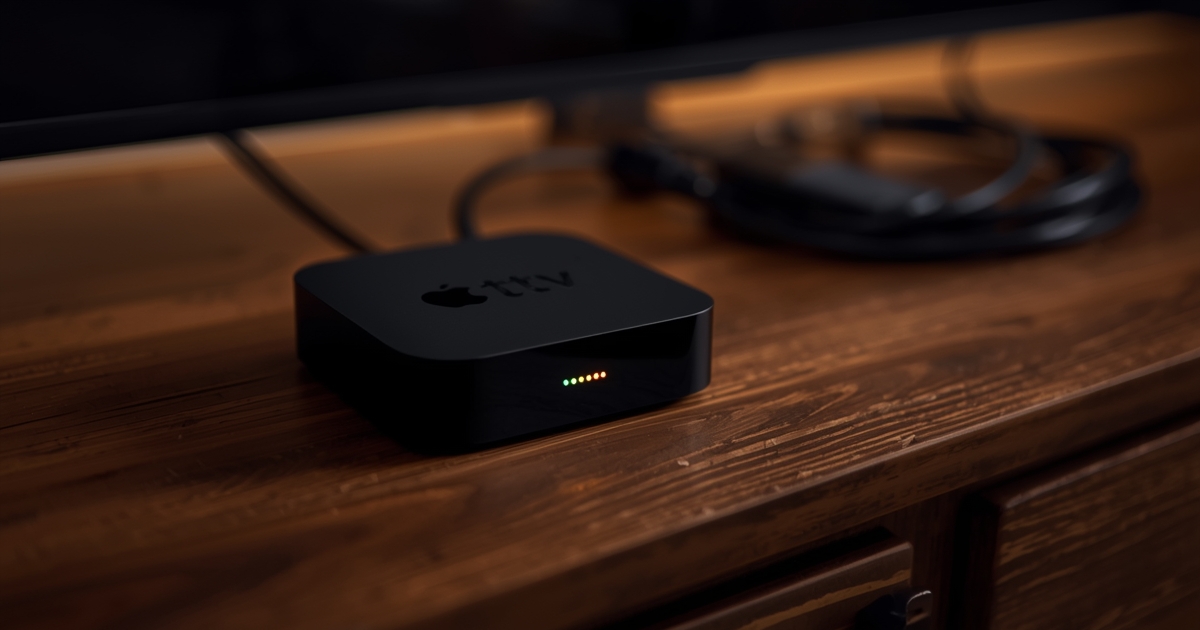
A smart TV needs no extra hardware, but a separate streaming box outperforms it on almost every other axis.

A missing or wrong programme guide is almost always a loading, timezone or cache issue rather than a broken account.

A VPN is not required for IPTV, and in practice it is more often the cause of a problem than the fix for one.
Xtream Codes and M3U deliver the same subscription in two different formats, and picking the wrong one for your player app is the most common setup mistake.

A handful of Firestick settings measurably improve IPTV playback. Most of what gets recommended online is not among them.

Inflated channel counts and lifetime subscriptions are the two clearest signals that a provider will not last.

Your device matters more than your subscription for playback quality. Here is how the main options compare.

The Firestick is the most popular IPTV device there is. Here is the full setup, including the settings that trip people up.

Most buffering is fixable in under ten minutes once you know which of four things is actually causing it.

IPTV delivers television over your internet connection instead of a satellite dish or cable line. Here is what that means in practice.
Message us. If enough people ask the same thing, it usually becomes the next guide.