
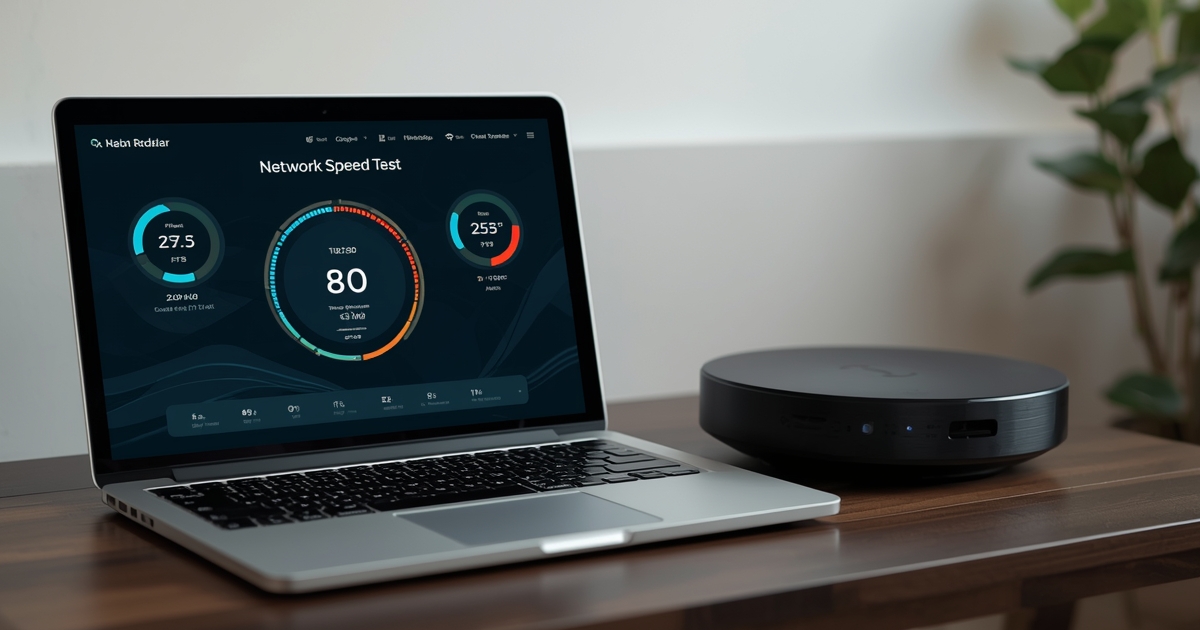
“Is my internet fast enough for IPTV?” has a more specific answer than most people expect. The number that matters is not your plan’s advertised top speed, but the sustained bandwidth available to the one device actually streaming, at the moment it is streaming.
Roughly what each resolution tier needs
A standard-definition stream generally needs a few megabits per second of stable bandwidth. Full HD content needs noticeably more, and a 4K stream needs several times the bandwidth of HD — not because 4K is inherently fragile, but because there is simply more data per second to deliver without interruption. These are rough, practical figures, not strict technical minimums, and your actual experience depends on how stable your connection is, not just how fast it is on paper.
Simultaneous screens multiply the requirement
Bandwidth needs do not stay flat as more devices stream at once — each additional screen adds its own requirement on top of the others, and they all draw from the same household connection. A single 4K stream might be comfortable on a mid-tier plan, but two or three at once can push a modest connection past its limit. The guide for large households covers planning around multiple simultaneous streams in more detail.
Advertised speed and real-world speed are not the same number
Your plan’s advertised speed is a ceiling, not a guarantee, and Wi-Fi overhead, distance from the router, and other devices on the network all eat into what actually reaches your streaming device. Running a wired speed test directly from the device that streams gives a far more honest picture than checking speed on a phone sitting near the router.
Consistency matters as much as raw speed
A connection that averages a high speed but dips sharply for a few seconds at a time will buffer more than a slightly slower connection that stays steady. If your speed test numbers look fine but playback still stutters, the router and Wi-Fi settings guide covers the settings most likely to smooth out that kind of inconsistency.
When speed genuinely is not the problem
If your connection comfortably clears these numbers with room to spare and you are still seeing issues, the cause is more likely on the device or app side than the network. The buffering checklist walks through the non-bandwidth causes worth checking next.