
Both work. The real question is which trade-offs you are willing to accept, and for most people who already have a smart TV, the honest answer is to start with what you have and add a box later only if it turns out you need one.
The case for using your smart TV's built-in apps
Nothing extra to buy, nothing extra to plug in, one fewer remote on the coffee table. For a smart TV bought in the last two or three years, the built-in IPTV players available in the TV's own app store are genuinely capable, and setup is exactly the same process — enter your credentials, wait for the channel list to load.
Where smart TVs fall short
Three things consistently let smart TVs down against a dedicated box. App selection is narrower — TV manufacturers curate their stores more tightly than Android's ecosystem, so a specific player you want may simply not be available. Processing power is usually modest, since TV manufacturers optimise the hardware for their own smart features rather than for running third-party apps well. And software support has a shelf life: most manufacturers stop shipping updates after three to five years, after which apps increasingly fail to run properly even though the screen itself works fine.
The case for a separate streaming box
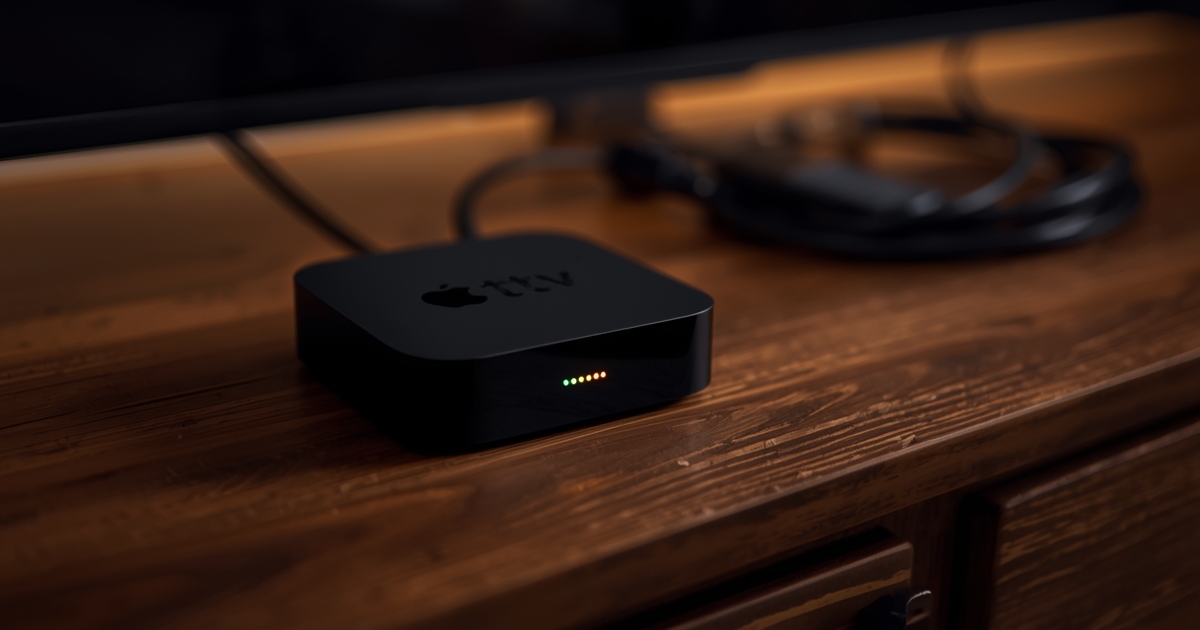
A Firestick, an Android TV box, or an Nvidia Shield gives you a far wider choice of player apps, generally faster hardware for the price, and — critically — the ability to replace just the box when it ages out, rather than the whole television. A five-year-old TV with a two-year-old streaming box attached often performs better than the same TV relying on its own ageing internals.
The trade-off is genuinely small: one extra device, one extra remote (often solvable with HDMI-CEC so the TV remote controls both), and a short one-time setup. The Firestick setup guide covers that process end to end.
A practical way to decide
Try your smart TV's built-in app first
If your TV is a recent model, this may be all you need. It costs nothing to test before buying anything.
Watch for the specific failure signs
Stuttering that does not match your connection quality, an app that crashes or restarts, or a player you specifically want that is not available in the TV's store are all signs a box would help.
Add a box once you know why you need one
Buying a streaming box pre-emptively for a TV that already works fine is money that could wait. Buying one because you have hit a specific, identified limitation is money well spent.
For a broader comparison across every device type, including where Android boxes and the Nvidia Shield fit into this, the full device comparison covers the rest of the landscape.