
Audio drifting out of sync with picture on IPTV almost always comes from one of three places: the player app’s own buffering, the audio output path on your device or TV, or a mismatch between the two. Working through them in that order fixes the problem faster than guessing.
Step 1: Restart the stream, not just the device
Closing and reopening the channel is the fastest fix and resolves sync drift caused by a buffering hiccup earlier in the stream. This is worth trying before anything else, since it takes seconds and resolves a meaningful share of sync complaints on its own.
Step 2: Check if it is every channel or just one
If sync is off on one channel only, the problem is almost certainly in that channel’s source feed, not your setup — there is nothing to fix locally. If every channel drifts the same way, the cause is downstream of the stream itself, usually in your audio path.
Step 3: Check your audio output path
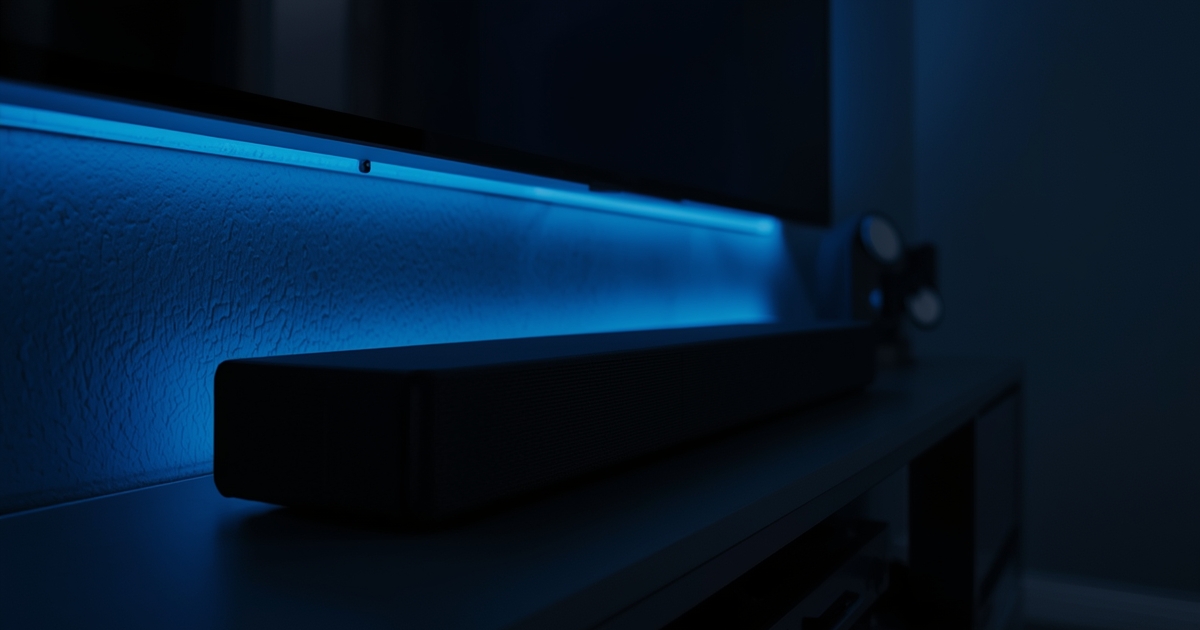
If sound runs through a soundbar or AV receiver via HDMI ARC or optical rather than straight from the TV speakers, that extra hop can introduce a small fixed delay. Many soundbars and receivers have an audio delay or lip-sync adjustment setting specifically to compensate for this — check your audio device’s settings menu for it before assuming the stream is at fault.
Step 4: Try a different player app or device
Some apps handle buffering and sync correction better than others on the same hardware. If one player consistently drifts and a different one does not, that is a useful signal about the app itself rather than your subscription. This is also worth checking if sync issues appeared only after a recent app update.
If you are using a projector and soundbar setup
Separate audio and video output paths — common with projectors, where sound almost always runs through a separate system — are more prone to this kind of drift than an all-in-one television. The IPTV on a projector guide covers the audio setup side of a projector-based system specifically.
When it looks like more than just audio
If sync issues show up alongside freezing, crashing, or the app closing unexpectedly, treat it as a broader app stability problem rather than a sync issue on its own — the app crashes troubleshooting guide and the buffering checklist both cover the underlying causes that tend to produce several symptoms at once.