
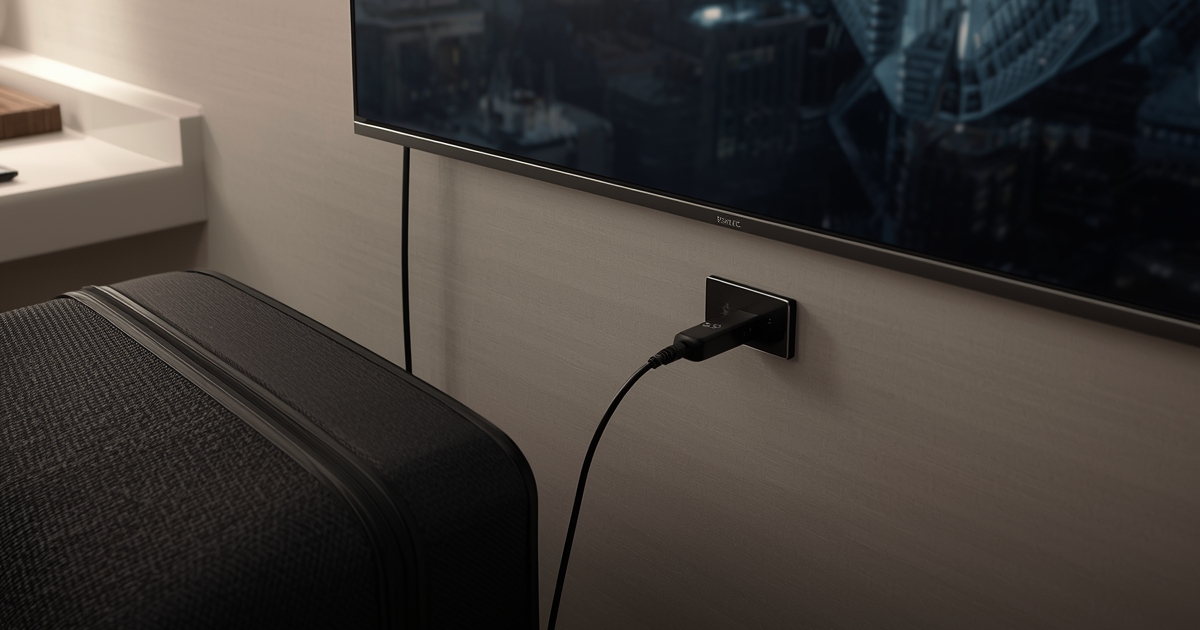
Hotel televisions and short-term rental setups rarely give you the channel lineup you actually want, which is why a lot of frequent travelers bring their own small streaming device rather than relying on whatever is built into the room’s TV. It works well, with a few practical quirks that are worth knowing before you pack it.
Guest Wi-Fi is the real variable, not the TV
The television in a hotel room or rental is almost never the limiting factor — the guest Wi-Fi is. Hotel networks in particular are often shared across dozens of rooms and can throttle or deprioritize streaming traffic during busy periods. Testing the network speed as soon as you arrive gives you a realistic sense of what to expect before you settle in for the evening.
A portable streaming device is simpler than casting
Plugging a small HDMI streaming stick directly into the room’s TV tends to be more reliable than trying to cast from a phone over an unfamiliar guest network, which often blocks the local discovery that casting depends on. The guide to watching on tablets and laptops is a useful fallback if the room’s TV input is locked down or unavailable entirely.
Some hotel TVs block external HDMI inputs
Certain hotel television systems are configured to only display the hotel’s own menu and paid content, with external HDMI inputs disabled at the firmware level. This is worth checking early in your stay rather than the first night you actually want to watch something — if the input is locked, a tablet or laptop becomes your only practical option in that room.
Keep the device and account details with you, not left behind
A small streaming stick is easy to forget plugged into a hotel TV when checking out. Get in the habit of removing it at the same time you pack your charger, since it is small, easy to overlook, and inconvenient to replace mid-trip.
Buffering on unfamiliar networks follows the same rules
If playback stutters on a hotel or rental network, the same troubleshooting steps apply as anywhere else — the buffering checklist works regardless of whose network you are on, though a congested guest network has less you can personally fix beyond testing at different times of day.